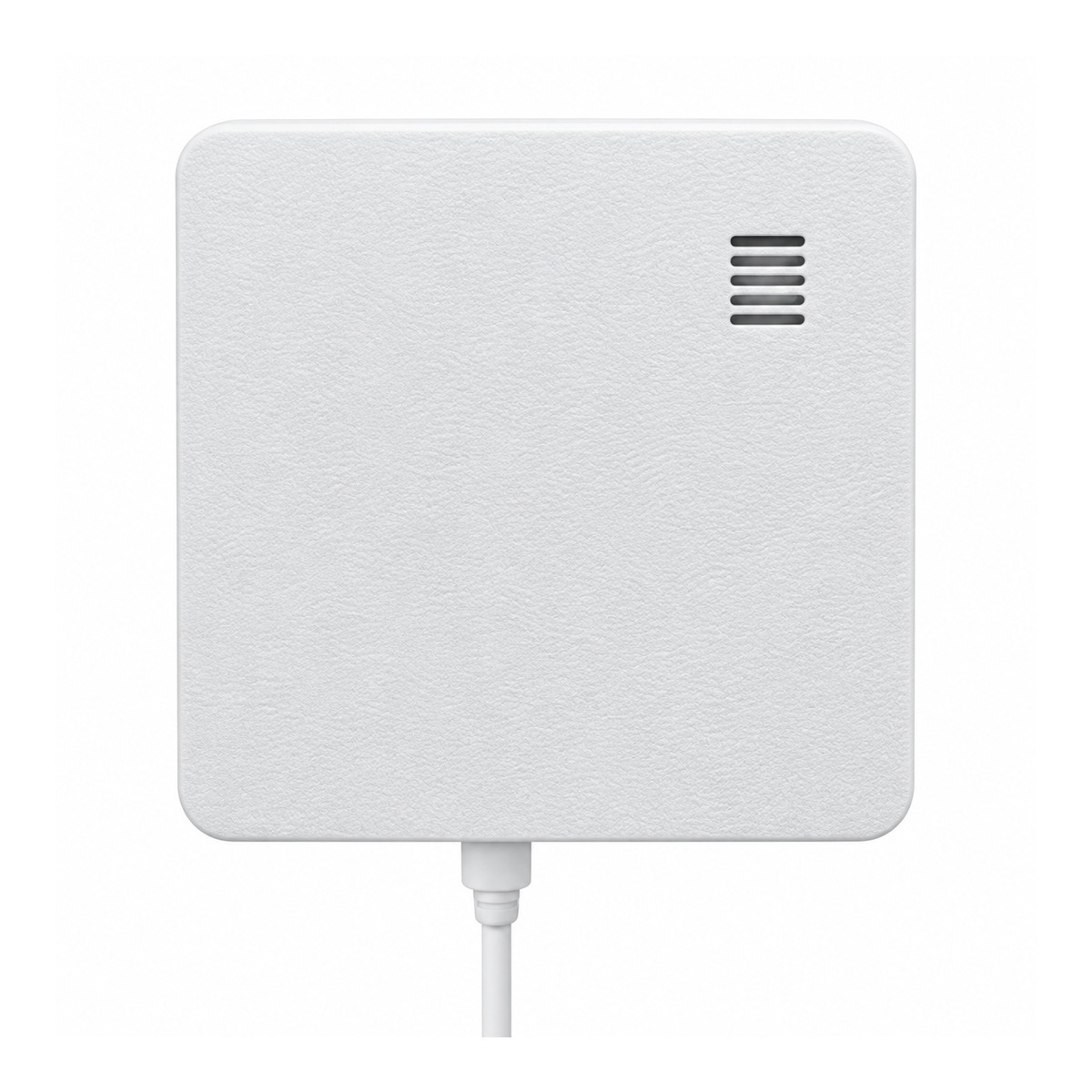
ZLX-ESP32-3 Smart Radar / CO₂ Monitoring Device
ESP32-WROOM-32E · Home Assistant · ESPHome · OTA · Three SKU Options
Choose the Correct SKU
Please confirm the selected SKU before ordering. The three versions have a similar enclosure, but their internal functions are different.
SKU 1 · FULL
Radar + CO₂ Full Version
- HLK-LD2450 24GHz mmWave radar for human presence / target tracking
- SCD41 CO₂ + temperature + humidity monitoring
- Includes both radar and CO₂ custom web pages
- Ideal for Home Assistant automation, occupancy detection and air-quality monitoring
SKU 2 · RADAR ONLY
Radar Only Version
- HLK-LD2450 24GHz mmWave radar
- Forward detection range up to approximately 8 m
- Tracks up to 3 targets simultaneously
- Moving / stationary target detection with easy zone drawing
SKU 3 · CO₂ ONLY
CO₂ Only Version
- SCD41 CO₂, temperature and humidity monitoring
- CO₂ measurement up to 5000 ppm
- °C / °F, temperature/humidity compensation and 5–10 s update interval
- Suitable for indoor air-quality, office, laboratory and classroom monitoring
SKU Comparison
| Feature | FULL | RADAR ONLY | CO₂ ONLY |
|---|---|---|---|
| HLK-LD2450 24GHz mmWave Radar | ✓ | ✓ | — |
| Detection Range up to ~8 m | ✓ | ✓ | — |
| Up to 3 Simultaneous Targets | ✓ | ✓ | — |
| Radar Zone Drawing | ✓ | ✓ | — |
| SCD41 CO₂ | ✓ | — | ✓ |
| Temperature / Humidity | ✓ | — | ✓ |
| °C / °F Selection | ✓ | — | ✓ |
| User Compensation | ✓ | — | ✓ |
| Home Assistant / ESPHome | ✓ | ✓ | ✓ |
| OTA Firmware Update | ✓ | ✓ | ✓ |
Radar Highlights
- HLK-LD2450 24GHz mmWave: uses the HLK-LD2450 radar module to detect both moving and stationary human targets.
- Up to approximately 8 m forward range: actual range depends on mounting position, angle, room layout and target reflections.
- Up to 3 simultaneous targets: suitable for rooms, offices, workshops, warehouses and laboratories.
- Visual zone drawing: define detection areas directly on the radar custom page for faster setup.
- Home Assistant automation: can be used with lighting, HVAC, alarms and occupancy status.
CO₂ / Temperature / Humidity Highlights
- SCD41: CO₂ measurement up to 5000 ppm with temperature and relative humidity data.
- 5–10 second update interval: configurable for different monitoring needs.
- °C / °F: selectable temperature unit for supported displays and compensation input.
- User compensation: temperature ±50°C (or ±90°F), humidity ±50%RH.
- Last 1 hour trend: CO₂, temperature and humidity history charts are available.
Why is temperature / humidity calibration or compensation provided?
The ESP32, radar and power circuitry inside the enclosure generate heat during operation. Mounting position, internal airflow and room conditions can also create a difference between the SCD41 temperature/humidity readings and an external reference meter. A user-adjustable compensation function is provided for final on-site adjustment. For best results, allow the device to stabilize for about 30 minutes, compare it with a reliable thermometer/hygrometer, and then fine-tune the compensation if needed. Temperature/humidity compensation does not change the CO₂ concentration reading.
The ESP32, radar and power circuitry inside the enclosure generate heat during operation. Mounting position, internal airflow and room conditions can also create a difference between the SCD41 temperature/humidity readings and an external reference meter. A user-adjustable compensation function is provided for final on-site adjustment. For best results, allow the device to stabilize for about 30 minutes, compare it with a reliable thermometer/hygrometer, and then fine-tune the compensation if needed. Temperature/humidity compensation does not change the CO₂ concentration reading.
Home Assistant / ESPHome & Wi-Fi Setup
- Designed for Home Assistant and ESPHome based systems.
- After connecting to Wi-Fi, the device can be accessed over the local network.
- If no saved Wi-Fi network is available, or the device cannot connect to the router, it automatically starts its setup access point after approximately 10 seconds.
- Connect to the setup access point and enter the target 2.4GHz Wi-Fi SSID and password in the configuration portal.
- Default setup portal address: 192.168.4.1.
- Supports OTA firmware updates, so routine maintenance does not require opening the enclosure.
Default Setup Hotspot & Password for All Three SKUs
| SKU | Setup Hotspot (SSID) | Default Password |
|---|---|---|
| FULL Radar + CO₂ | ZLX-2450-radar Setup | 12345678 |
| RADAR ONLY | ZLX-2450-radar Setup | 12345678 |
| CO₂ ONLY | ZLX-SCD41-air Setup | 12345678 |
Package Contents
| Device | 1 × ZLX-ESP32-3 device (selected SKU) |
| Adhesive Pad | 1 × Mounting adhesive pad |
| Data Cable | 1 × USB data cable |
Important Before Purchase
- This is a smart-home / development-oriented device. Functions vary by selected SKU.
- Radar performance can be affected by mounting position, wall materials, metal objects, angle and room layout.
- CO₂ / temperature / humidity sensors may require stabilization time, and readings can be influenced by airflow and nearby heat sources.